xjkpopcreations
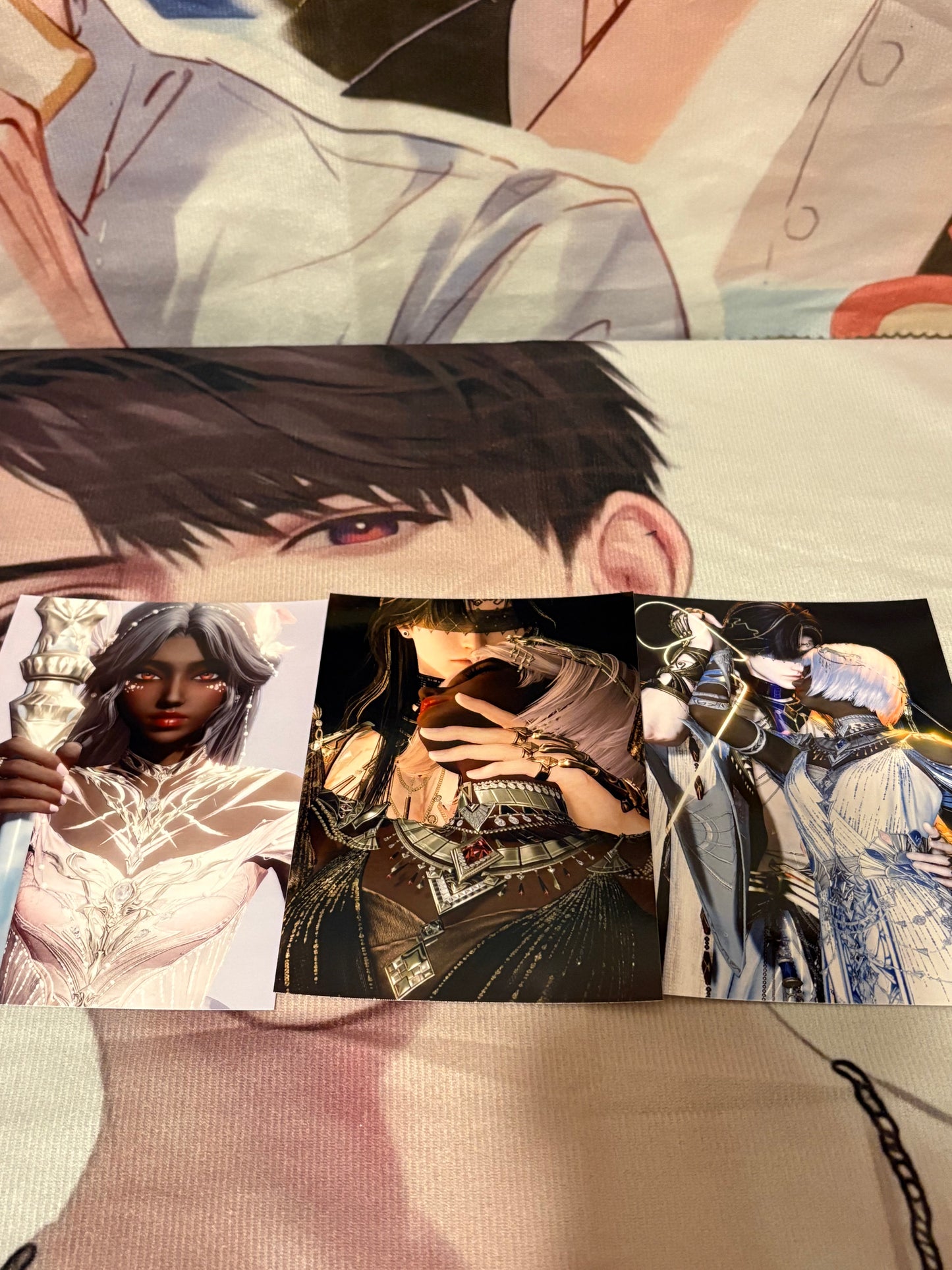
Custom Portraits
Custom Portraits
No file chosen
Please upload your file(s).
Couldn't load pickup availability
📸 How to Submit a Custom Photo for Your Order — Step by Step
1) Download your image from the Glint Photo Booth
-
Choose your favorite photo and download it directly from the Glint Photo Booth in the game.
-
Make sure the image is clear and high quality before uploading.
2) Check the lighting and details
-
Please ensure the lighting, brightness, and colors are to your liking, as your photo will be printed exactly as it appears.
-
I will not be doing any additional editing or retouching, so make sure it looks just how you want it printed.
3) Do NOT resize or crop the image
-
Upload your photo/photos exactly as downloaded to keep the best resolution and detail.
4) Upload your photo/photos
-
When ordering, use the Upload File option on the product page.
- If you do not see upload file, send pictures to this email: bsb10372@hotmail.com subject line should be your name and order number.
-
If you’ve already placed your order, you can reply to your confirmation email or message me directly with your image and order number.
5) Final check before checkout
-
Please confirm your photo/photos is correct and to your liking on the checkout page before paying, as it will be printed exactly as submitted.
Additional Option:
-
If you’d like your photo laminated for extra protection and shine, simply select the lamination add-on before checkout.
-
This option includes a small additional charge for materials and finishing.
-
⏳ Processing Time:
Please allow 2–3 days for your order to be carefully fulfilled before shipping. Each piece is made with care to ensure quality and accuracy.
Share